




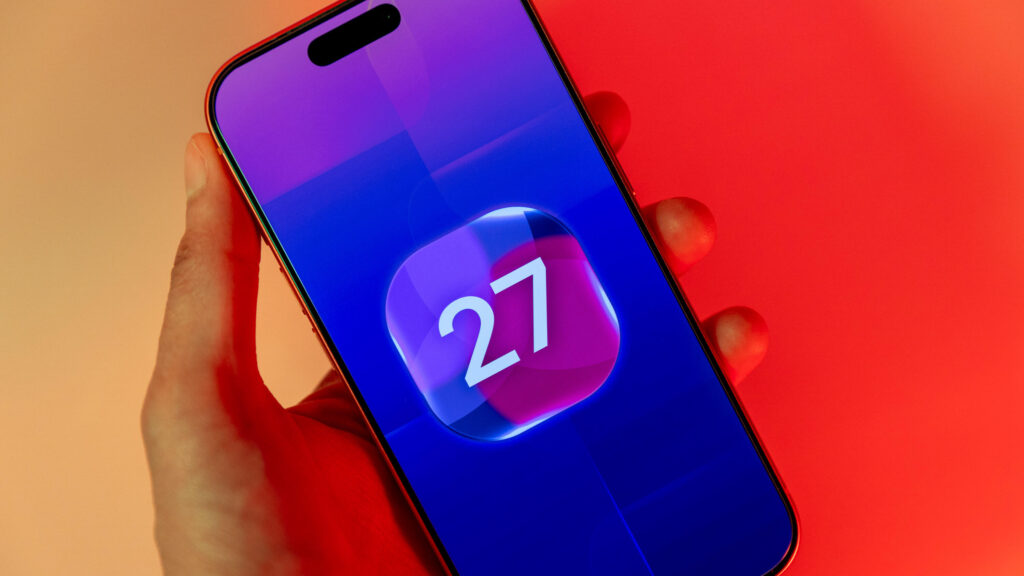
After you upgrade your iPhone to iOS 27, you might notice your device doing a little extra thinking. That’s because the update brings a revamped Search system to your device, and it needs some time to get to know everything on your iPhone.
You can download iOS 27 now by going to Settings > General > Software Update > Update Now and following the prompts on your screen.
At June’s Worldwide Developers Conference, Apple announced that it was rebuilding its Search interface for iOS 27. The company said the restructure would make searching across your device faster, more reliable and more accurate. In order to do that, iOS 27 has to reindex items…
Read the full article at CNET.COM