






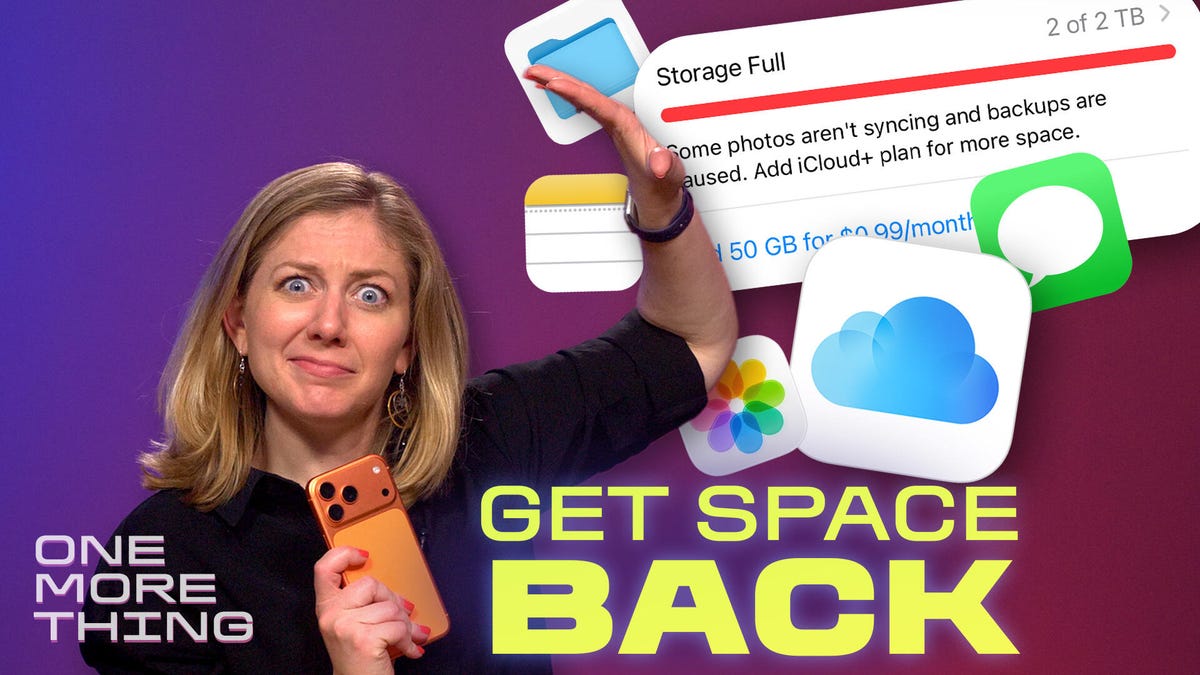
I don’t know when I became this way, but I took 196 photos and videos of a fireworks show this week. I don’t know why I take so many pics. I also never take time to delete any of them. So of course my iCloud storage is always full.
The easiest way out of this digital hoarder conundrum is to pay Apple for more iCloud storage — because moving and deleting large swaths of media can be quite a hassle on the iPhone. But I can’t just keep adding more storage forever!
So this week I hope you’ll join me in celebrating freedom from those annoying “iCloud Storage Full” alerts. In today’s episode of One More Thing, which you can watch embedded below, I walk through how to clear out your biggest video files first, along with other junk files that are easy to delete:
Watch this: Clear iCloud Storage Now in 3 Steps
It’s seriously worth a few minutes of your time. After all, you don’t want to run out of storage after reading these tips on how to take amazing fireworks photos.
For more One More Thing, subscribe to our YouTube page to catch Bridget Carey breaking down the latest Apple news and issues every Friday.
Read the full article here